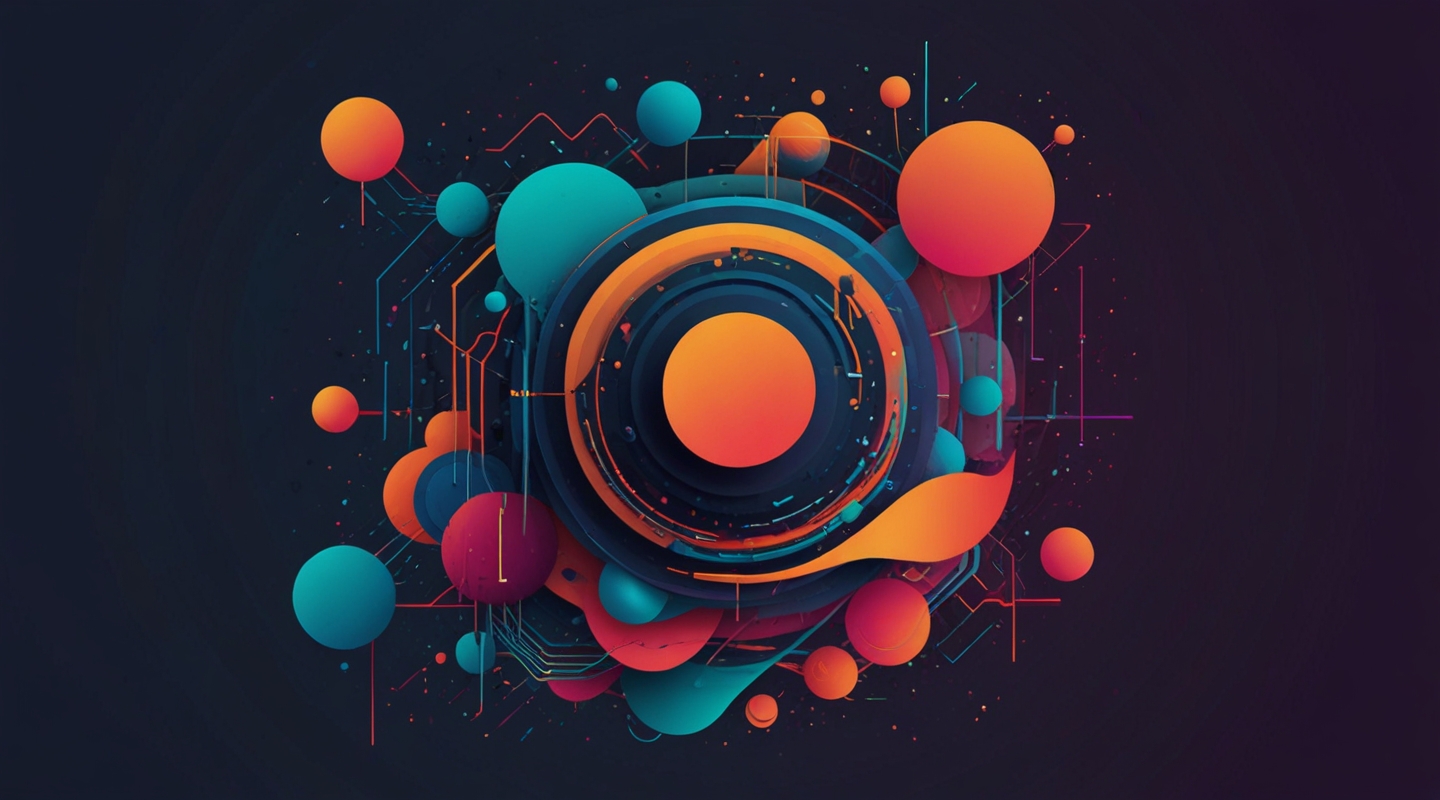
Why Generative Art? Because Boring Just Won’t Cut It Anymore
Alright, let me be real — the web is swimming in cookie-cutter layouts and predictable visuals. You know what I mean: those stock photo banners, the same old grids, and the ubiquitous hero sections that feel like déjà vu every time. If you want to stand out, especially in 2024, you’ve got to shake things up. Enter generative art. This isn’t just a fancy buzzword; it’s a playground where code meets creativity, letting you craft visuals that are never quite the same twice.
Generative art, in web design, means using algorithms to create shapes, patterns, and animations dynamically. It’s like having a creative partner that riffs off your ideas in real-time. I first dipped my toes into this world after a client wanted a site that felt alive — not static, not canned. The results? Stunning, unexpected, and yes, a little magical.
Getting Your Feet Wet: Tools and Techniques That Won’t Boggle Your Mind
Look, I get it — the idea of “code creating art” might sound intimidating if you’re not a hardcore developer. But it’s way more accessible than you think. Here’s a quick rundown of some tools I’ve used that make the process manageable and even fun.
- p5.js: A JavaScript library designed for creative coding. If you’ve tinkered with Processing before, this is its web-friendly cousin. Super friendly for visual experiments.
- Three.js: When you want 3D generative art on your site, Three.js is the go-to. Yes, it’s more complex, but the payoff can be incredible — think interactive particle systems or morphing shapes.
- SVG and CSS animations: Sometimes, less is more. Procedural SVG patterns combined with CSS animations can yield lightweight, scalable generative visuals without heavy scripting.
- Shader languages (GLSL): If you’re feeling adventurous, shaders let you harness the GPU for crazy effects. Not for the faint-hearted, but worth exploring once you’re comfortable.
My advice? Start small. I once built a simple background pattern that subtly shifted colors based on mouse movement using p5.js. It took maybe a day to prototype, but the client loved it. And more importantly, it sparked ideas for bigger projects.
Bringing Generative Art Into Your Design Workflow
So, you’ve got your tools. Now what? Let’s talk integration — because the art should serve the design, not distract from it.
One of my favorite approaches is to use generative art as a dynamic background. Imagine a homepage that feels like it’s breathing, with organic shapes shifting softly behind your content. It adds depth without screaming for attention.
Another cool trick: generative SVG logos or icons that evolve slightly on each page load. It’s a subtle touch that shows a client you care about details — and your users get a fresh experience every time.
Oh, and don’t underestimate the power of interactive generative elements. A button that morphs shape or a loading spinner that isn’t just a spinner but a mini art piece? That’s the kind of stuff that makes users pause, smile, or even tell a friend.
Balancing Creativity and Performance: The Tightrope Walk
Here’s the reality check: generative art can get heavy. If you’re not careful, you’ll tank your site’s load times or bleed battery life on mobile devices. Been there, fixed that — lesson learned the hard way.
Some tips from the trenches:
- Optimize your code. Use requestAnimationFrame wisely, throttle animations, and avoid unnecessary redraws.
- Consider fallbacks. If a user’s device can’t handle the fancy stuff, gracefully degrade to a static image or simpler design.
- Keep it purposeful. Every animation or generated pattern should have a reason — be it storytelling, mood setting, or usability.
Honestly, I once worked on a site where the generative art was so heavy it slowed down the entire experience. We had to strip back and redesign the feature, but that process taught me how crucial it is to test on real devices early and often.
Real-World Example: The “Living Portfolio” Project
Let me tell you about a recent project that really nailed this balance. A photographer wanted a portfolio site that felt as dynamic as their work — unpredictable, vibrant, and alive. We built a generative background using p5.js that reacted to cursor movement and time of day, subtly shifting colors and shapes.
The magic was in the details: when you hovered over a photo, the background would ripple gently, drawing your eye without stealing the spotlight. The rest of the layout stayed clean and crisp; the art was a supporting actor, not the star.
Performance? We optimized scripts, lazy-loaded assets, and tested on everything from iPhones to older laptops. The result was a site that felt fresh every visit — and the client reported a noticeable bump in inquiries. Sometimes, a little art goes a long way.
So… How Do You Start?
Here’s a quick step-by-step to get you from zero to generative art hero:
- Choose a tool that fits your comfort zone — p5.js is a great start.
- Sketch an idea. Think about where generative art fits naturally — background, icons, micro-interactions.
- Prototype quickly. Don’t aim for perfection; get a rough version running.
- Test performance early on, especially on slower devices.
- Gather feedback — from clients, users, or fellow designers.
- Refine and integrate the art carefully into your design system.
FAQ
Is generative art suitable for all types of websites?
Not necessarily. It works best when the goal is to add personality, interactivity, or a unique visual identity. For heavily content-driven or corporate sites, subtlety is key — or it might be better to skip it altogether.
Do I need to be a coder to use generative art?
Basic knowledge of JavaScript helps, but there are no-code tools and libraries that can ease the process. Plus, experimenting with simple code snippets can be a great way to learn.
How can I ensure performance doesn’t suffer?
Keep animations lightweight, optimize scripts, and always test on real devices. Use fallbacks, and be purposeful — don’t just add art for art’s sake.
Final Thoughts
Jumping into generative art can feel like stepping into a wild forest with no map, but it’s also where some of the most exciting design breakthroughs happen. It’s messy, surprising, and absolutely alive. My best advice? Start small, get your hands dirty, and let your creative instincts guide you.
So… what’s your next move? Maybe a subtle animated background, or a shape-shifting logo? Give it a try and see what happens.






