Why Immersive Storytelling Matters Today
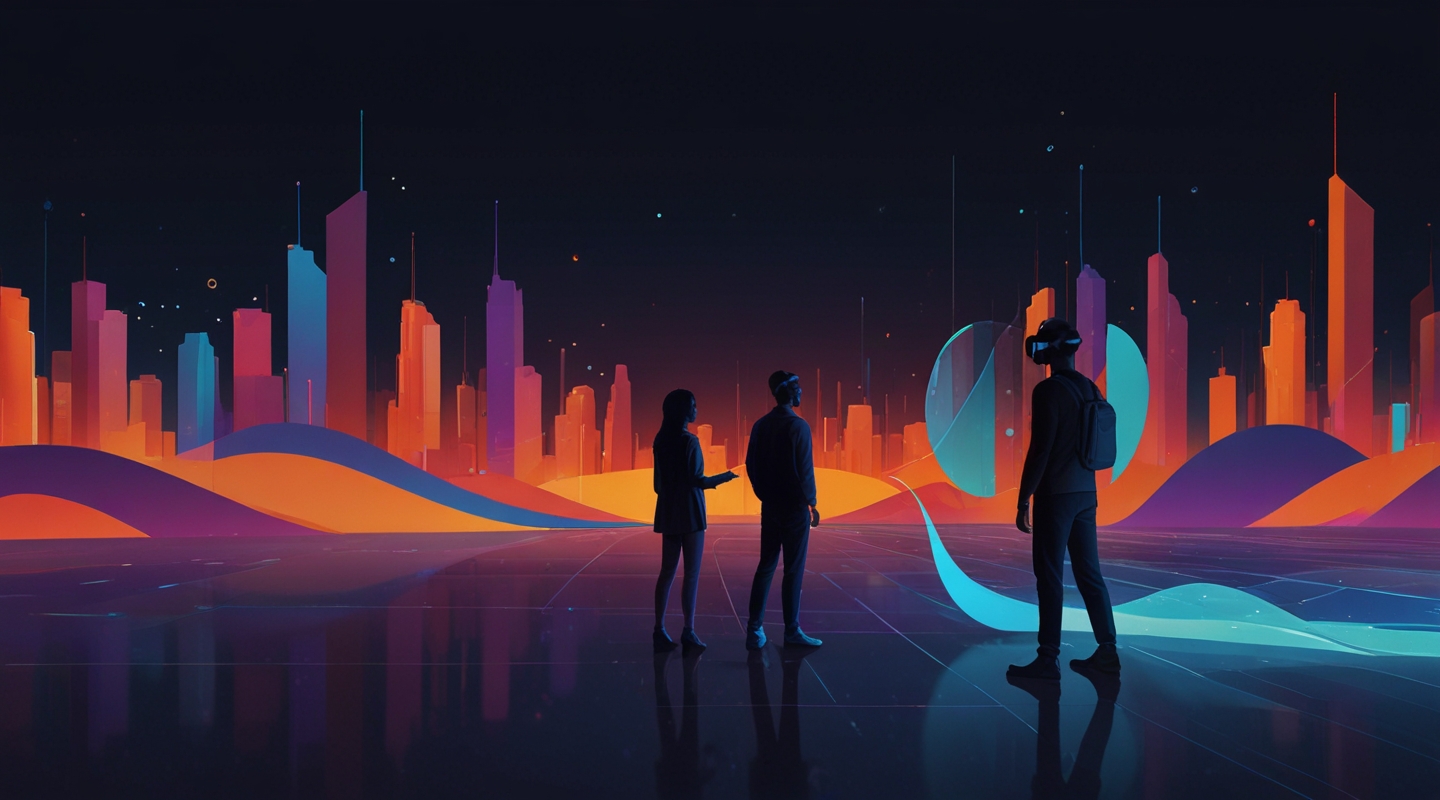
Alright, picture this — you’re not just reading a story or watching a video, you’re inside it. The walls breathe with the narrative, characters turn to you as you move, and the environment reacts to your every choice. Sounds like sci-fi? Well, it’s becoming the new normal thanks to WebXR and AI, and honestly, it’s a game-changer for anyone who cares about design and storytelling.
I’ve been neck-deep in web design for years, and let me tell you: immersive storytelling isn’t just flashy tech — it’s about forging a connection. When you combine the spatial freedom of WebXR with the intuitive smarts of AI, you get experiences that don’t just tell stories, they live and breathe with the user.
What Is WebXR and Why Does It Rock for Storytelling?
Okay, quick refresher. WebXR is the tech that lets you dive into virtual reality (VR), augmented reality (AR), or mixed reality directly through a browser—no clunky apps needed. If you’ve ever tried VR, you know it can feel isolating or gimmicky. But WebXR flips the script by making immersive experiences accessible and lightweight, right at your fingertips.
Now, imagine WebXR as your stage — the 3D world where your story unfolds. It’s flexible, interactive, and, importantly, web-native. That means you can weave immersive narratives into websites without alienating users with downloads or complex installs.
Enter AI: The Brain Behind the Magic
AI isn’t just about chatbots or algorithms crunching data—it’s becoming your creative partner. Think dynamic dialogue generation, personalized story arcs, adaptive environments that respond to user behavior, or procedural content creation that keeps things fresh every time.
For example, I once worked on a project where AI analyzed user choices in an AR narrative and adjusted the character’s mood and story direction on the fly. It made each experience feel uniquely personal. No two sessions were alike. Talk about next-level engagement.
How to Blend WebXR and AI for Immersive Storytelling
So, you’re sold on the idea, but how do you start? Here’s my no-fluff approach, based on projects where I’ve stumbled, learned, and come out the other side with solid results.
1. Map Your Story in 3D Space
Before you even touch code, think spatially. What does your story look like in a three-dimensional world? Sketch it out — literally, if you want. Where do scenes happen? How do users move? What triggers changes?
I remember a client who wanted a mystery game in AR. We spent more time planning the user’s path and interaction zones than scripting the dialogue. That groundwork saved us hours later when building in WebXR.
2. Use AI for Dynamic Content, Not Just Decoration
AI can be a storytelling tool, not just a flashy feature. Use natural language processing to craft interactive conversations or machine learning to adapt environmental cues based on user reactions.
Pro tip: Don’t overdo it. AI shines when it complements the narrative, not when it feels like a gimmick.
3. Optimize for Performance and Accessibility
Immersive experiences can be heavy on devices. WebXR helps here, but AI models can be resource-intensive. Balance is key — use edge computing or cloud AI services to offload processing when possible.
And don’t forget accessibility. Not everyone has a VR headset or powerful device. Offer fallback options or mixed reality modes so your story reaches more people.
4. Iterate with Real Users
Immersive storytelling is as much about feel as tech. Watch how users move, listen to their feedback, and tweak. I can’t stress this enough — your assumptions will often miss the mark until real people dive in.
A Walkthrough Example: Crafting a WebXR-AI Story Experience
Let me share a little story from a recent side project. I was working on an interactive historical tour that combined AR with AI-driven storytelling. Visitors would point their phones at landmarks, triggering a virtual guide that adapted its narrative based on user questions and interests.
We used A-Frame for the WebXR framework — it’s a lifesaver for web-based VR and AR. For AI, we integrated OpenAI’s GPT to generate responsive dialogue for the guide.
The magic? The guide didn’t just recite facts; it responded with humor, provided deeper context if users lingered, and even shifted tone depending on the time of day. The AI made the experience feel alive, unpredictable, and personal.
But here’s the catch: we spent a good chunk of time training the AI prompts and tweaking the WebXR scenes to avoid lag and awkward transitions. It’s a reminder that immersive storytelling is a craft — a mix of design, tech, and a lot of trial and error.
Some Tools and Frameworks to Kickstart Your Journey
- A-Frame: A powerful WebXR framework that simplifies building VR and AR experiences in the browser.
- Three.js: For those wanting more control over 3D rendering and animations.
- OpenAI GPT API: To add conversational AI and dynamic storytelling elements.
- TensorFlow.js: For running machine learning models directly in the browser.
- 8th Wall: A robust platform for web-based AR experiences with great device compatibility.
Tools aside, remember that the best stories come from understanding your audience and giving them agency. Tech is just the brush, you’re the artist.
Common Pitfalls and How to Dodge Them
Quick heads-up: diving into WebXR and AI isn’t all smooth sailing.
- Overloading Users: Too many interactive elements can overwhelm. Keep the narrative clear and guided.
- Ignoring Device Limits: WebXR is powerful, but not everyone’s on a top-tier rig. Test across devices.
- Relying Solely on AI: AI can surprise you. Always have fallback scripts or controls.
- Neglecting UX: Immersion doesn’t mean complexity. Design intuitive controls and clear cues.
Trust me, I learned these the hard way. One project I was on crashed repeatedly because we pushed too many AI models to run client-side — lesson learned!
Wrapping Up: The Future’s Bright, The Story’s Yours
So… immersive storytelling with WebXR and AI isn’t just a buzzword. It’s a real, tangible way to reinvent how we connect through narrative. From education to entertainment, the possibilities are vast — and honestly, pretty darn exciting.
If you’re a designer or developer itching to experiment, start small. Build a tiny scene, add a pinch of AI, see how it feels. Then iterate. The secret sauce is in the doing, not the dreaming.
Alright, that’s enough rambling from me. What’s your next move? Give it a spin, get messy with code and story, and see where this wild, immersive ride takes you.






