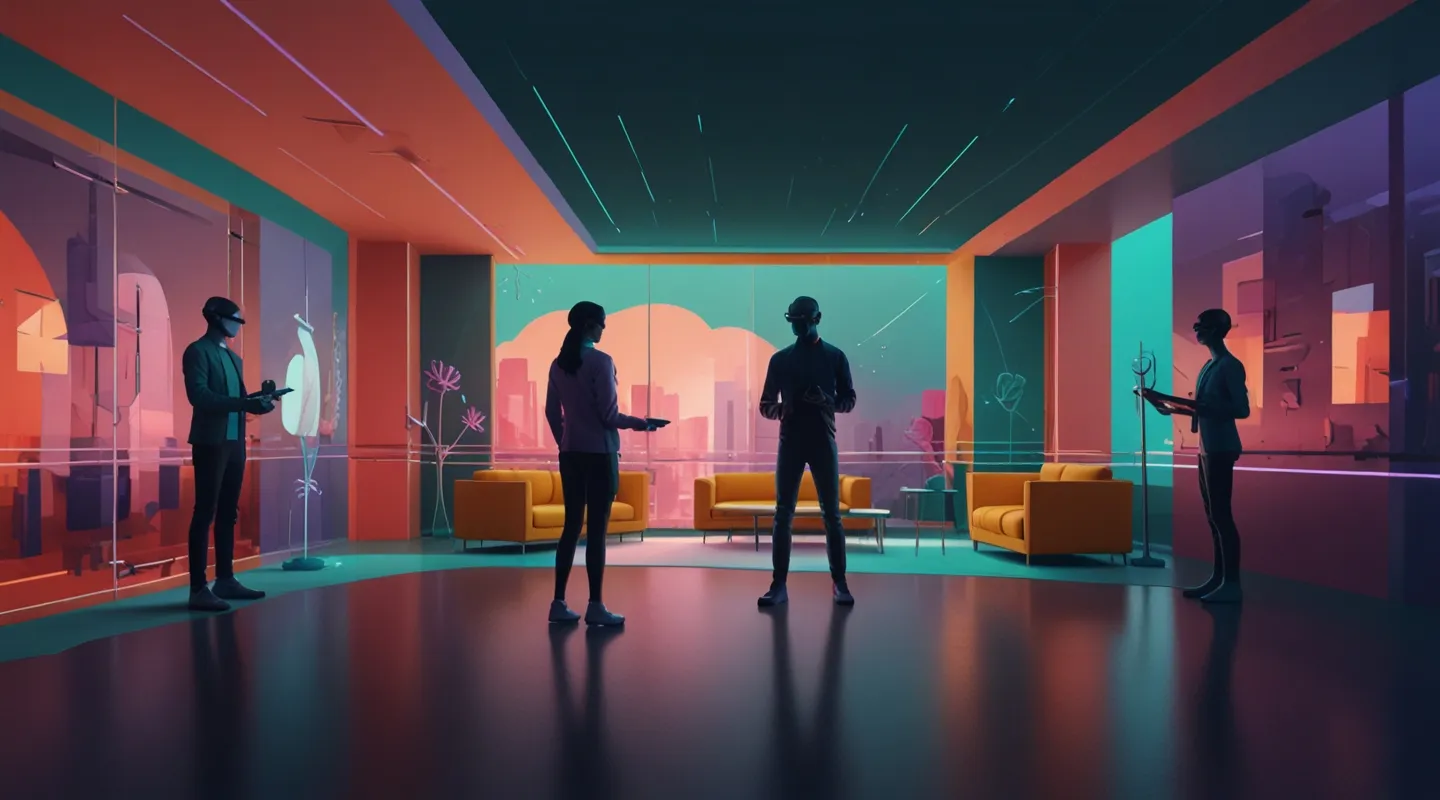
Why UX in AR and VR Isn’t Just Another Design Challenge
Alright, picture this: you’re slipping on a VR headset, getting lost in a sprawling virtual city, and then—bam!—you switch to an AR app that overlays directions on the real world. If the experience isn’t buttery smooth, you’re not just annoyed; you’re disoriented. I’ve been down this road more times than I can count, wrestling with the quirks of both AR and VR. Designing UX for these spaces isn’t just about making things look pretty or functional in isolation—it’s about crafting a bridge between realities.
So, what’s the secret sauce? How do you design experiences that feel effortless across these two worlds? Spoiler alert: it’s not a one-size-fits-all, and it definitely isn’t about shoehorning traditional UI patterns into holograms or virtual spaces. Let’s unpack some core UX strategies that have actually helped me build seamless experiences across AR and VR.
Understanding the Medium: Context is King
This sounds obvious, but it’s easy to overlook. AR and VR aren’t just platforms; they’re fundamentally different mediums with unique constraints and opportunities. AR enhances and interacts with the real world—you’re layering digital info onto physical space. VR is a fully immersive alternate reality where you control the entire environment.
When I first started designing for AR, I tried to treat it like a mobile app and quickly found myself fighting the medium. Users don’t want to stare down at a tiny floating button hovering awkwardly in their field of vision—they want contextual, glanceable info that feels part of their world. VR, on the other hand, demands you think spatially. UI elements need to exist in 3D space, respecting depth, scale, and user movement.
So, step one? Embrace the medium’s nature. Don’t force-fit old paradigms. Instead, leverage what makes AR and VR unique. For AR, that might mean designing interfaces that integrate with physical landmarks or gestures; for VR, it’s about spatial audio cues, intuitive object manipulation, or guided gaze interaction.
Seamless Transitions: The UX Glue
Here’s a tricky bit: users might move from AR to VR and back again. Think about a training app where you start with AR tutorials on your desk, then zoom into a fully immersive VR simulation. How do you keep that experience coherent?
In one project I worked on, we spent weeks iterating on the transition flow. Early versions just dumped users abruptly from one mode to another, and the feedback was brutal—people felt lost, disconnected, almost like they’d been jerked out of a dream. What changed? We introduced subtle visual and audio cues that prepared users for the switch—a soft fade, a familiar sound, and a quick orientation prompt.
It’s the little things. The UX glue that stitches those worlds together. Also, keeping consistent design language across AR and VR helps—a shared color palette, iconography, or interaction style. It’s like speaking the same dialect across different countries.
Designing for Movement and Physicality
You can’t ignore the body here. AR and VR experiences are embodied; users move, reach, turn, sometimes stumble. I remember testing an AR app on a sunny afternoon, and the way sunlight and shadows shifted made certain digital elements hard to see. Or in VR, when a menu was just a few degrees off-center, it felt like reaching for a floating ghost.
The takeaway? Design with physical ergonomics in mind. Avoid placing interactive elements where users have to twist uncomfortably or strain their necks. Consider the natural range of head and hand motion. And don’t forget fatigue—long sessions in VR can be exhausting, so keep interactions concise and meaningful.
One neat trick is to prototype with real users using cheap cardboard VR or simple AR markers. You catch those subtle discomforts before they become deal-breakers.
Feedback That Speaks the User’s Language
Feedback is your UX compass. In AR and VR, it’s not just visual but multisensory. Haptic feedback, spatial audio, even subtle vibrations—these help users understand what’s happening without breaking immersion.
I recall a VR puzzle game where we layered in tiny audio cues that changed based on how close you were to the goal. It wasn’t flashy, but players told me it totally changed how they navigated the space. In AR, a gentle pulse on the controller or a glow around an object can signal interactivity without cluttering the view.
Don’t skimp on feedback. It’s your way to keep users grounded, confident, and engaged.
Accessibility: The Often Overlooked Frontier
Ok, this one’s close to my heart. Accessibility in AR and VR is still the wild west, but it’s vital. Imagine missing out on these experiences because of mobility issues, color blindness, or sensory sensitivities. Designing for accessibility isn’t just good ethics—it’s good business and UX practice.
For example, adjustable text sizes and contrast options help users with visual impairments. Offering alternative control schemes—voice commands, gaze controls, or simplified gestures—can open doors for many. And don’t forget breaks and customizable session lengths for those prone to motion sickness or fatigue.
Honestly, I’ve learned more from accessibility testing sessions than any usability lab. If you haven’t run these yet, do it now.
Prototyping and Testing: Fail Fast, Learn Faster
This is where the rubber hits the road. AR and VR design can’t live in the abstract. You need to get hands-on with prototypes and real users ASAP. I’m talking about quick-and-dirty mockups, Wizard-of-Oz setups, even cardboard headsets before committing to full development.
Tools like Unity with XR Interaction Toolkit, Adobe Aero, or even WebXR frameworks can get you into testing mode quickly. And user feedback? Priceless. Watch for where people hesitate, fumble, or get frustrated. Those moments are gold.
One of my favorite memories was sitting with a user who accidentally tried to grab a non-interactive object in VR. That stumble sparked a redesign of our interaction cues that made everything smoother. Moments like that stick with you.
Wrapping Up: The Human Behind the Headset
At the end of the day, it’s about people. AR and VR might be cutting-edge tech, but the UX fundamentals still shine through: empathy, clarity, and respect for the user’s experience. When you design with those at the core, the tech becomes invisible, and users simply live the moment.
If you’re just diving into AR and VR UX, my advice? Stay curious, prototype early, and keep your ear to the ground on how real people are interacting with these spaces. And hey—don’t be afraid to make mistakes. Some of the best lessons come from the weird, awkward moments that only happen in mixed realities.
So… what’s your next move? Ready to build something that bridges worlds?






