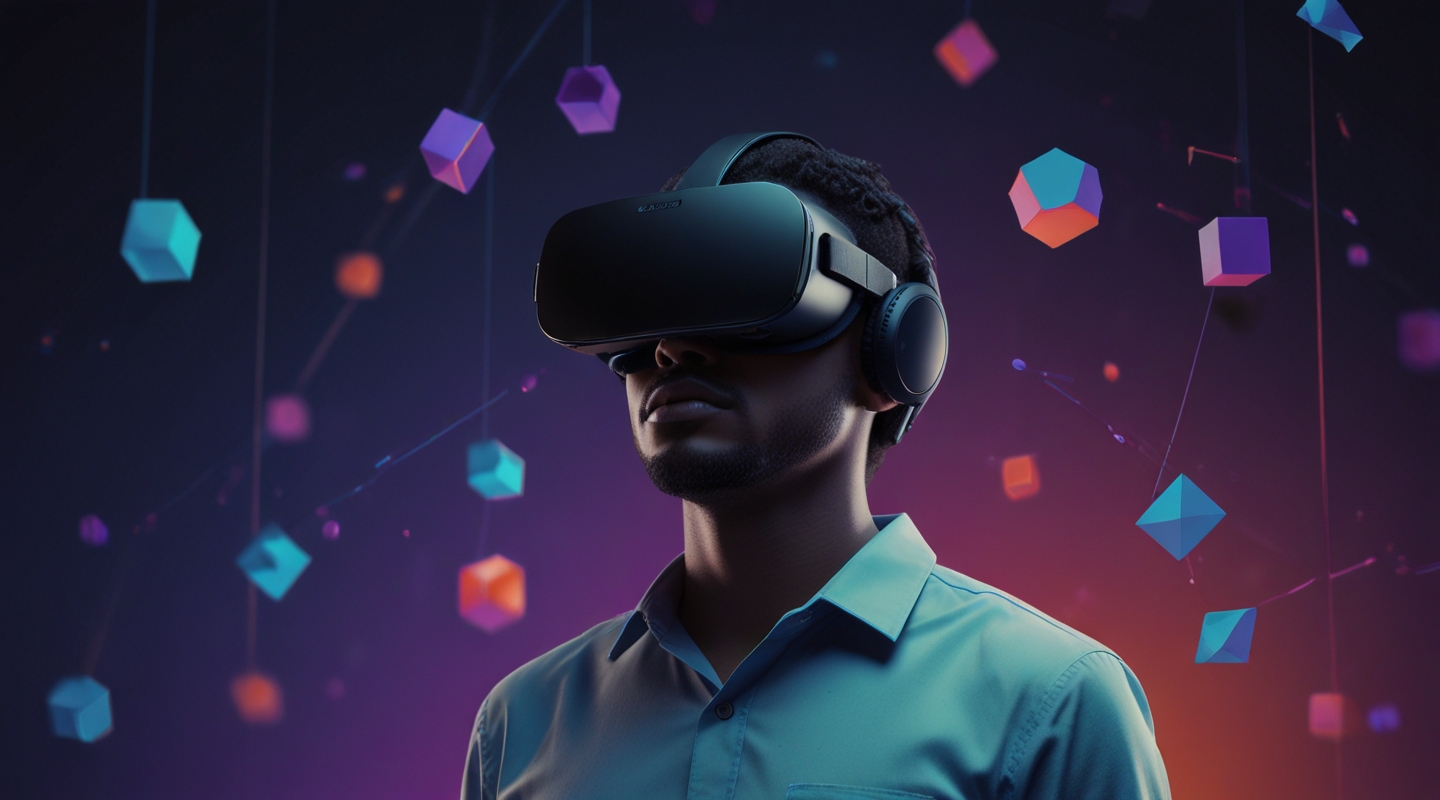
Diving Into the World of 3D on the Web
Have you ever found yourself staring at a 3D model on a website and thought, “Man, I wish I could just step inside this thing”? Yeah, me too. The web’s come a long way from static images and clunky plugins. Nowadays, with the right tools, you can craft experiences that pull users into fully immersive, spatial worlds — right from their browsers. And if you’re like me, a JavaScript interactivity engineer who’s been around the block, the combo of JavaScript and WebXR is where the magic happens.
In this post, I want to share some real-world perspectives on building immersive 3D web experiences using JavaScript and WebXR. No fluff, no hype — just practical insight from someone who’s wrestled with the quirks, the bugs, and the sheer wonder of it all. So grab your favorite drink, and let’s jump in.
Why WebXR? And Why Now?
First things first — why even bother with WebXR? I remember when browser VR was mostly a pipe dream or a niche experiment. Today, WebXR is the official web standard that enables VR and AR experiences directly in browsers. It’s the evolution of WebVR, designed to work seamlessly across devices — from headsets like Oculus Quest to smartphones with AR capabilities.
What really excites me about WebXR is how it democratizes immersive tech. No downloads, no installs. Just a URL. That’s powerful. It means your 3D experiences aren’t locked behind apps or expensive hardware. Anyone with a compatible device can jump in.
But here’s the catch: creating immersive content that truly feels engaging and smooth requires more than just plugging into WebXR APIs. It needs thoughtful interactivity design, performance tuning, and, yes, a bit of patience to get it right.
The JavaScript Side of Things: Your Playground for 3D Interactivity
JavaScript is the glue that binds your 3D assets, user input, and device sensors together. Libraries like Three.js have been a godsend for making 3D approachable on the web. Combine that with the WebXR Device API, and you’ve got a toolkit that lets you handle everything from rendering to user movement and interaction.
Let me tell you — when I first started integrating WebXR with Three.js, it felt like trying to teach an old dog new tricks. The documentation was decent but scattered, and the ecosystem was still maturing. But with a bit of digging, experimentation, and some late-night debugging sessions, I learned how to make things click.
One trick I picked up early on: always test on real hardware. Emulators can only tell you so much. There’s a certain feeling you get when you’re actually inside the experience — the scale, the spatial audio, the latency — that you just can’t fake.
Practical Example: Building a Simple VR Gallery
Picture this: a virtual gallery where users can walk around, inspect 3D art pieces, and get info just by looking at them or pointing a controller. Sounds straightforward, right? But the devil’s in the details.
Here’s a quick breakdown of how you might set this up:
- Set up your scene: Use Three.js to create a room with walls, lighting, and a floor. Keep the geometry simple to maintain performance.
- Add your art pieces: Load 3D models (GLTF or OBJ) positioned around the room. You want them spaced so users can comfortably move between them.
- Enable WebXR: Use the WebXR API to hook into VR sessions. This will handle headset tracking and input.
- Interactivity: Implement raycasting to detect where users are pointing or looking. Use this to highlight art pieces or show info panels.
- Optimize: Keep frame rates smooth by minimizing draw calls, using compressed textures, and culling unseen objects.
If you’re curious, here’s a snippet that kicks off a VR session with Three.js:
const renderer = new THREE.WebGLRenderer({ antialias: true });renderer.xr.enabled = true;document.body.appendChild(renderer.domElement);document.body.appendChild( VRButton.createButton( renderer ) );function animate() { renderer.setAnimationLoop( render );}function render() { renderer.render( scene, camera );}animate();Simple as that to get the VR session started. From there, it’s about layering in the interactive elements.
Lessons from the Trenches: What I Wish I Knew Before Starting
Okay, so here’s me being honest: building immersive 3D web experiences isn’t always smooth sailing. Here are some nuggets I’ve learned the hard way:
- Performance is king: VR is brutally demanding. Even minor frame drops can cause nausea. Profile often and optimize aggressively.
- UX matters even more: Movement in VR is tricky. Teleportation vs smooth locomotion — each has pros and cons. Test with real users.
- Don’t underestimate input diversity: Different devices have different controllers or none at all (hand tracking, gaze input). Plan for fallbacks.
- Keep your scenes lightweight: Large textures, complex meshes, and expensive shaders can tank performance.
- Stay updated: WebXR is evolving fast. Keep an eye on specs and browser support.
Beyond VR: AR and Mixed Reality on the Web
WebXR isn’t just about VR. Augmented Reality is becoming more accessible too. Imagine overlaying 3D models onto real-world spaces through your phone’s camera — no app install required.
I recently experimented with simple AR markers combined with WebXR’s AR mode. It’s still early days for widespread AR on the web, but it’s promising. Plus, as hardware improves, the line between web and native AR apps will blur.
Resources That Helped Me Build Confidence
If you’re ready to jump in, here are some solid resources I lean on:
- WebXR Device API Spec — The official spec, a bit dense but invaluable.
- Three.js Documentation — Your best friend for 3D rendering on the web.
- web.dev WebXR Guide — Practical tutorials and best practices.
Wrapping Up (But Not Really)
So, why am I so jazzed about creating immersive 3D web experiences with JavaScript and WebXR? Because it’s like opening a door to new ways people interact, learn, and play online. It’s messy, yes. But it’s also hugely rewarding.
If you’re considering dipping your toes in, start with a simple scene. Play around with Three.js and the WebXR API. Embrace the quirks, the bugs, the weird moments where the headset won’t track properly or the controller input feels off. Those are your best teachers.
Anyway, enough from me. What’s your next move? Dive into WebXR and see where the rabbit hole takes you — I promise it’s worth the trip.






