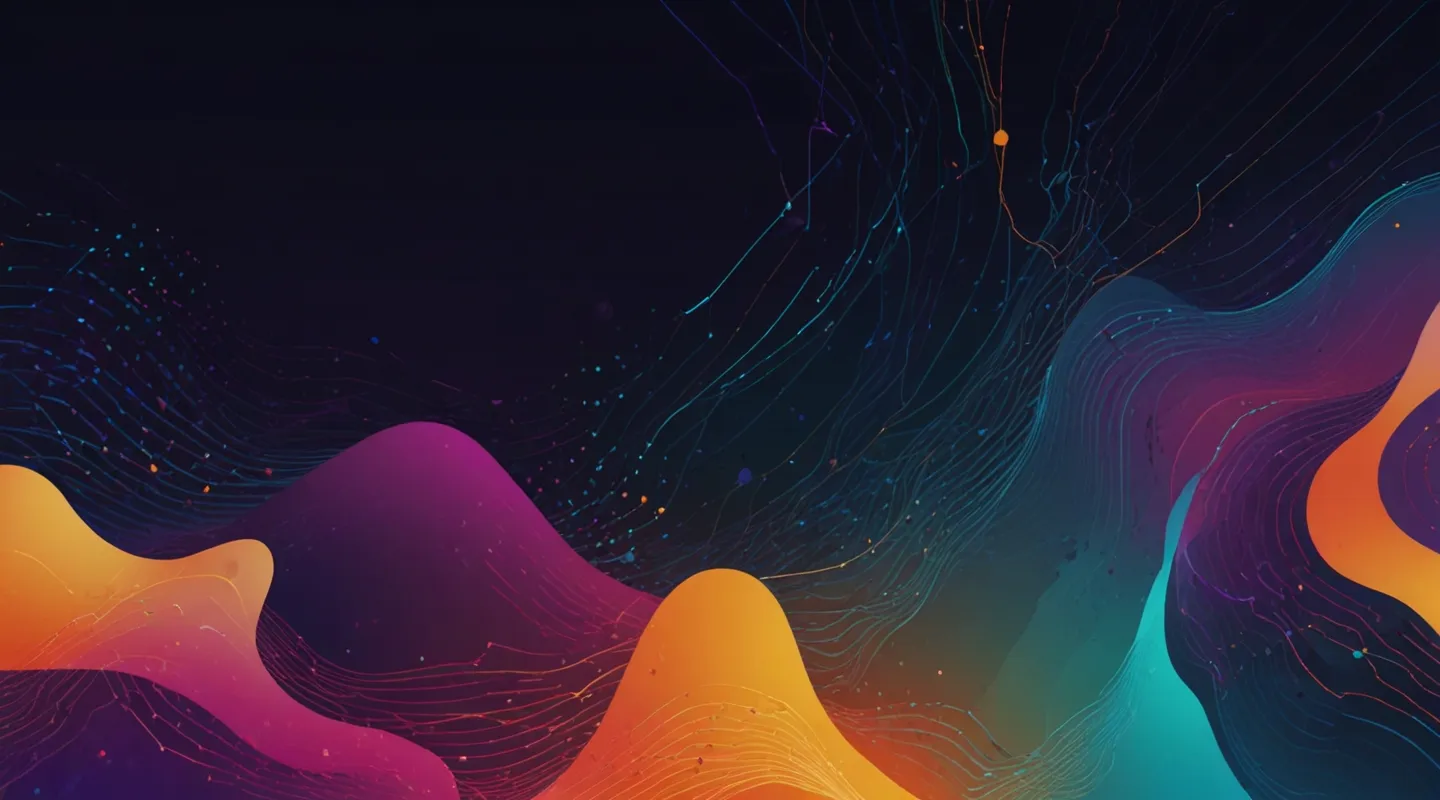
Welcome to the Future: AI Meets Web Design in 2025
Okay, so here we are — 2025, and if you’ve been anywhere near the web design scene lately, you’ve probably felt the subtle (or not-so-subtle) tremors AI is sending through every pixel. I mean, it’s like watching a slow-motion revolution, where the tools we once thought of as sci-fi sidekicks have become front-and-center collaborators.
Today, I want to walk you through some jaw-dropping examples of AI-driven web designs that aren’t just pushing boundaries — they’re obliterating them. And trust me, this isn’t just about flashy tech; it’s about creativity unleashed, workflows reimagined, and designs that feel somehow… alive.
Before we dive in, I’m going to sprinkle in some real-talk on what’s working, what’s a bit overhyped, and how you can start thinking about weaving AI into your own projects without getting lost in the hype fog.
Why AI in Web Design Feels Different This Time
Remember when auto-layouts and responsive grids were the big deal? Sure, those changed the game, but AI is on a whole other plane. It’s not just a tool for speeding up grunt work; it’s becoming a creative partner. It’s like having a teammate who’s part designer, part strategist, and part mad scientist.
Look, I’ve been around the block with plenty of tech fads — some promising, some just noise. But AI-driven design in 2025 hits a sweet spot. It’s smart enough to understand context, flexible enough to adapt to brand voices, and surprisingly intuitive to fine-tune. It’s not about replacing creativity; it’s about amplifying it.
Spotlight on AI-Driven Web Designs That Inspire
Alright, let’s get to the good stuff. Here are some standout examples I’ve seen recently that illustrate just how wildly creative AI can get:
- Dynamic Visual Storytelling: A brand site I came across uses AI to generate immersive backgrounds that subtly shift based on user interaction — like the site’s mood changing with you. Think gentle waves transforming into abstract brush strokes as you scroll, all tailored in real-time.
- Personalized UX on Steroids: Some e-commerce platforms now leverage AI to tweak layouts and product showcases dynamically depending on the visitor’s preferences and browsing behavior. The result? A hyper-personalized shopping experience that feels handcrafted.
- AI-Powered Accessibility Enhancements: Beyond looks, AI is helping designers build sites that adapt for different abilities — adjusting contrast, font sizes, even navigation methods on-the-fly, making inclusivity a seamless part of the design.
Ever stumbled on a site that just ‘gets’ you? That’s AI, quietly doing its thing behind the scenes.
The Tools and Tech Fueling This Creative Leap
Now, if you’re wondering what’s under the hood, here are some of the platforms and frameworks powering these innovations:
- Generative Design Engines: Tools like Runway ML and DALL·E 2 are making it easier to create unique, AI-generated visuals that designers can customize and animate.
- AI-Enhanced Prototyping: Platforms such as Figma now integrate plugins powered by AI to suggest design improvements, auto-generate components, or even write code snippets for interactions.
- Smart CSS and Animation Generators: Emerging tools help translate AI-driven concepts into smooth, performant animations without the usual headache of manual coding.
If you’re thinking, “Cool, but is this stuff actually practical?” — totally. In fact, I’ve been testing these tools myself on side projects, and while the learning curve is real, the creative payoff is worth it.
Lessons Learned (The Hard Way) from Using AI in Design
Here’s where I get a bit real with you. AI isn’t magic dust. It comes with quirks, and if you’re not careful, it can lead you down some weird rabbit holes.
First, AI can sometimes produce designs that feel generic or lack soul if left unchecked. The key is to use AI as a starting point, then inject your human touch. Think of it like cooking — AI tosses ingredients on the table, and you’re the one who seasons and plates the dish.
Second, keep an eye on accessibility and performance. AI-generated elements can be resource-heavy or not optimized out of the box. Always test rigorously.
Finally, don’t get trapped in “tool chasing.” There’s a temptation to jump from one shiny AI tool to the next. Instead, focus on mastering one or two that fit your workflow and style.
How to Start Experimenting with AI-Driven Web Design Today
Ready to dip your toes in? Here’s a simple roadmap:
- Step 1: Pick a project that’s low-stakes — maybe a personal blog or portfolio. This is your sandbox.
- Step 2: Explore AI-powered design tools like Canva’s AI features or Adobe Sensei to generate creative assets or layouts.
- Step 3: Use AI plugins in your prototyping tool (like Figma’s AI plugins) to speed up wireframing and component generation.
- Step 4: Play with AI-assisted code generation — tools like GitHub Copilot can help you write CSS or JavaScript animations faster.
- Step 5: Iterate with a critical eye. Ask yourself — does this design communicate the brand’s story? Does it feel authentic? Is it usable?
And remember, the goal isn’t to hand over your creative reins — it’s to expand your toolbox, not replace it.
Wrapping It Up: The AI-Driven Web Design Horizon
So, what’s the takeaway after this whirlwind tour? AI in web design isn’t some distant fantasy anymore. It’s here, it’s evolving fast, and it’s reshaping how we think about creativity and user experience.
But—and this is important—it’s a collaboration, not a takeover. The best AI-driven designs in 2025 are those where human insight meets machine muscle, resulting in sites that surprise, delight, and connect.
If you’re on the fence about jumping in, try setting a small challenge for yourself — maybe redesign a landing page using AI tools or generate a unique hero image. Play around. Break things. See what happens.
So… what’s your next move?






