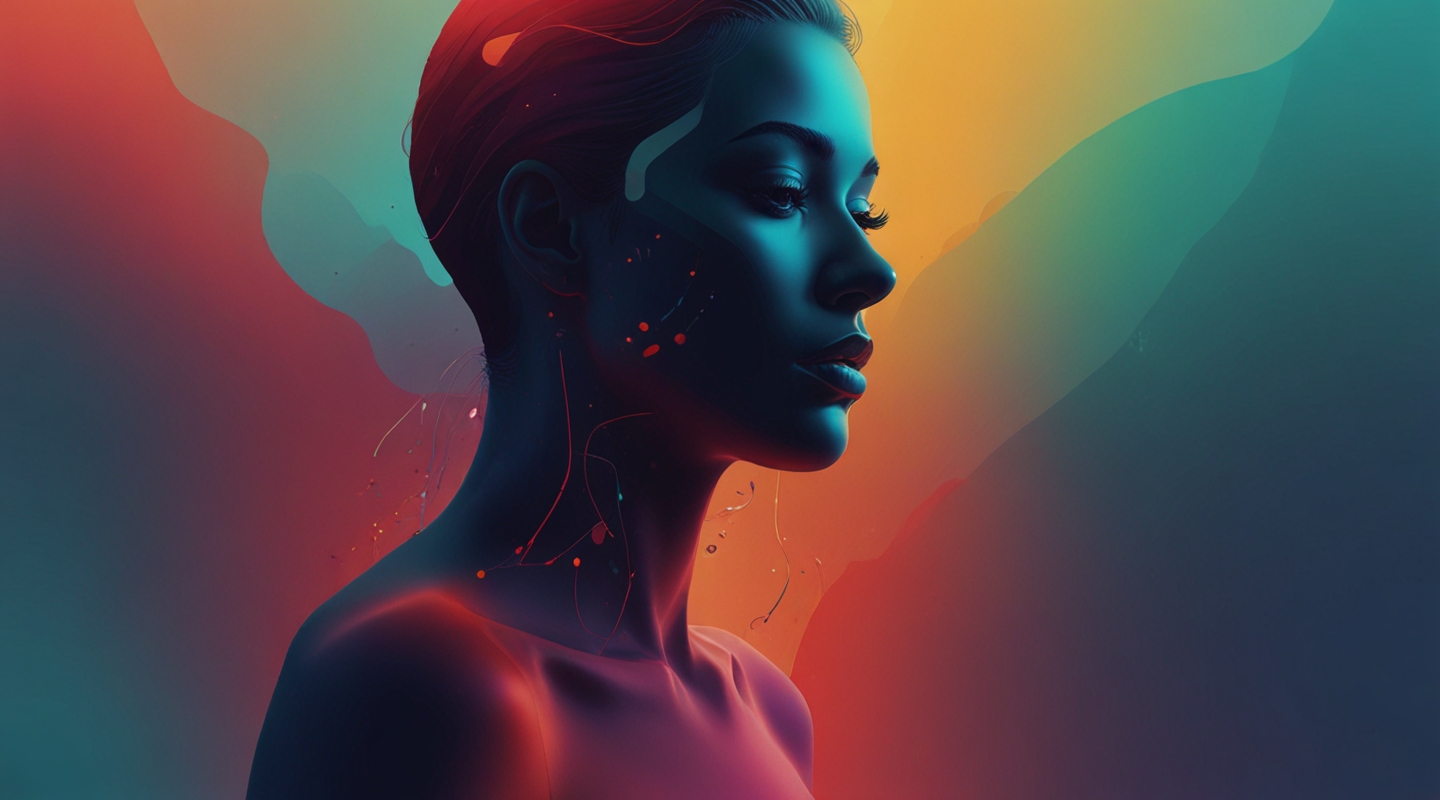
Why Emotion-Adaptive Themes Matter More Than Ever
Okay, let me start by admitting something: I used to think themes were just about aesthetics. Clean layouts, nice typography, and a sprinkle of color — that was my bread and butter. But recently, I’ve been diving into something way more fascinating and complex: emotion-adaptive theme design. Sounds fancy, right? But it’s simply about letting a website’s look-and-feel respond to the visitor’s emotional state. And yes, AI-generated assets are the secret sauce making this possible.
Think about it. When you land on a site, your mood isn’t always neutral. Sometimes you’re pumped, other times a bit stressed or contemplative. Traditional themes? They’re static — one size fits all. Emotion-adaptive designs, however, shift shapes, colors, and textures dynamically, creating an experience that feels intuitive, maybe even empathetic.
And for us theme designers, that’s a game-changer. It’s like moving from painting a still portrait to orchestrating a live, interactive performance.
How AI-Generated Assets Are Changing the Game
Here’s the kicker: AI isn’t just about generating stock photos or random icons anymore. It’s evolving into a partner that understands nuances — like the subtle difference between calm blue gradients and energetic reds, or between smooth curves and jagged edges — and can produce assets tailored to evoke or complement specific emotions.
Back in the day, crafting multiple theme variants for different moods meant a ton of manual design work. Now? AI tools like DALL·E, Midjourney, or Runway ML can whip up unique assets on demand. This isn’t just about slapping a filter on a background; it’s about creating bespoke, context-aware visuals that adapt in real time.
Let me share a quick story. I was working on a wellness blog theme recently — the client wanted the site to feel more inviting when users were stressed and more vibrant when they were upbeat. By integrating AI-generated background textures that shift based on sentiment analysis from user comments, the site subtly changed its vibe throughout the day. The results? Engagement spiked, and the client was thrilled. It felt alive.
The Tech Behind Emotion-Adaptive Themes
Alright, let’s get into some meat here. Without getting too nerdy, the backbone usually involves three core pieces:
- Emotion Detection: This can be through explicit user input, behavioral cues (like time spent on page), or sentiment analysis of user-generated content.
- Asset Generation: AI models trained on tons of data produce or select assets that match the detected emotion — colors, patterns, illustrations, animations.
- Dynamic Theme Adjustment: The theme itself adjusts CSS variables, swaps out images, or even modifies layouts to fit the emotional context.
Putting these together isn’t plug-and-play yet, but tools like TensorFlow.js for on-device analysis and APIs from OpenAI for prompt-based asset generation have made it surprisingly approachable. Honestly, I’ve had my fair share of headaches syncing everything smoothly, but the payoff is worth it. Plus, the web community’s starting to chip in with open-source frameworks that simplify the process — so keep an eye on that.
Practical Tips for Designers Dipping Their Toes In
Jumping headfirst into emotion-adaptive design can feel like trying to pilot a spaceship without a manual. Here’s what I’ve learned to keep it sane:
- Start Small: Pick one emotional dimension to focus on — like calmness or excitement — and build assets around that.
- Use AI as a Creative Partner: Don’t just accept AI output blindly. Tweak prompts, remix assets, and combine AI creations with your custom touches.
- Test with Real Users: Emotion is subjective. What feels calming to you might not to others. Gather feedback early and often.
- Keep Performance in Mind: Dynamic themes can get heavy fast. Optimize images, lazy-load assets, and avoid unnecessary animations.
One small hack I use: I generate multiple AI backgrounds and let users toggle between ‘moods’ manually. It’s a simple way to add interactivity and gather data on what resonates.
Challenges and Ethical Considerations
Before you get too starry-eyed, let’s be real: emotion-adaptive themes aren’t flawless. Detecting emotions accurately is tricky, and misreads can lead to awkward experiences. Imagine a site shifting to a gloomy palette just as the user is celebrating — awkward.
There’s also the privacy angle. Collecting behavioral or sentiment data means handling it responsibly. Transparency and consent are musts here.
Plus, overdoing it with emotional shifts might tire users out. Subtlety is key. Think of it as seasoning — too much ruins the dish.
What’s Next? The Future Looks Pretty Bright
I’m genuinely excited about where this is headed. As AI models get better at understanding context and emotion, and as web tech evolves, we’ll see themes that don’t just look good but feel right — a subtle handshake between machine and human experience.
Imagine WordPress themes that learn your visitor’s mood over time and adjust accordingly, or ecommerce stores that shift their vibe based on shopping behavior, nudging you gently toward a purchase without feeling pushy.
It’s a frontier full of possibility, and honestly, it feels like the kind of challenge that gets me out of bed. If you’re a theme designer itching to experiment, this is your playground.
Wrapping It Up
So, emotion-adaptive theme design powered by AI-generated assets isn’t just a shiny gimmick. It’s a deep, evolving craft that blends tech, design, and psychology. It’s messy, sometimes fiddly, but incredibly rewarding when it clicks.
And hey, if you’re still skeptical, I get it. I was too at first. But give it a try — even a small project. Play around with AI assets, experiment with mood-based tweaks, and see how your users respond. You might just find a new way to connect that static themes could never touch.
So… what’s your next move?






