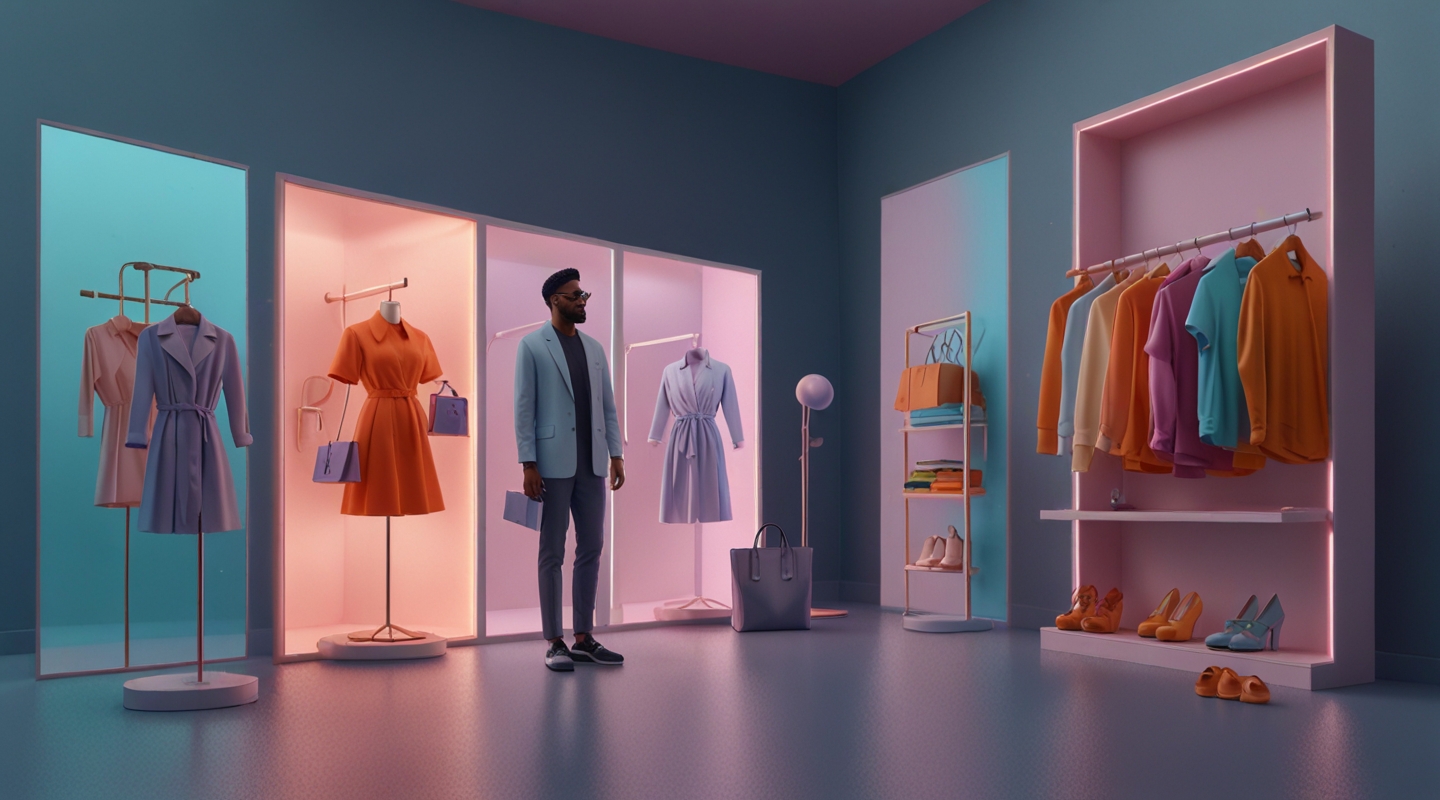
Why Virtual Try-On is a Game Changer for WooCommerce Stores
Alright, I’ll admit it — when I first heard about virtual try-ons using AR (Augmented Reality), I was skeptical. I thought, “Cool tech, but how much does it really move the needle for regular WooCommerce shops?” Turns out, quite a bit. Especially now, when customers want that interactive, almost tactile shopping experience without stepping foot anywhere.
Imagine this: a customer lands on your WooCommerce store, browsing sunglasses or watches. Instead of squinting at a flat photo, they pull up their phone’s camera and see exactly how those shades sit on their face in real time. No guesswork, no returns, just instant visual clarity. That’s the kind of magic AR brings — it cuts through hesitation and builds confidence right there on the spot.
And, honestly, returns are the bane of many e-commerce merchants’ existence. Virtual try-ons don’t just delight customers; they save you loads on shipping and restocking. Plus, they keep the whole experience fresh and memorable, which is gold in a sea of cookie-cutter stores.
Getting Started: What You Need Before Diving Into AR for WooCommerce
First things first: you’ll want a solid WooCommerce setup. That means your store is well-organized, product images are high-quality, and your catalog is clean. AR works best when the digital assets — 3D models, textures — are spot-on. No half-baked scans or blurry composites.
Here’s the kicker: creating 3D assets can feel intimidating. Trust me, I’ve been there staring at software that looks like it belongs in a sci-fi film. But don’t sweat it — there are tools that play nicely with WooCommerce. Platforms like Spaces or Vercel offer integrations that help you embed AR experiences without needing to be a 3D artist overnight.
Also, consider your audience’s devices. Most smartphones today support AR via WebAR or native apps, but it’s always smart to test on various devices. Nothing kills immersion faster than a glitchy or laggy display.
The Tech Stack: How to Bring AR into Your WooCommerce Store
Now, the nuts and bolts. There are a few ways to build AR try-ons for WooCommerce, from plugins to custom development.
- Plugins: Some WooCommerce plugins like Augmented Reality for WooCommerce offer straightforward setups. They let you upload 3D models and embed AR viewers directly on product pages. Quick to implement, but sometimes limited in customization.
- WebAR Frameworks: For those who want more control, frameworks like 8th Wall allow you to create WebAR experiences that run right in browsers — no app download needed. You’ll need some JS chops here or a developer who can help.
- Custom Development: If you’re ready to level up and invest, building a custom AR experience using Three.js or A-Frame can give you maximum flexibility. This route means designing 3D models, optimizing them, and integrating them deeply into your WooCommerce front end.
Whichever path you take, it’s crucial to optimize for performance. AR can be resource-heavy, so compress your models, lazy-load assets, and test constantly.
Practical Example: Bringing a Virtual Try-On to Life
Let me walk you through a project I consulted on recently. A boutique eyewear brand wanted to lower their return rate and boost conversions. They had a WooCommerce store but no AR experience.
Step one was sourcing realistic 3D models of their frames. We worked with a 3D artist to create lightweight, true-to-life assets. Next, we installed a WooCommerce AR plugin that let customers toggle a “Try On” button, activating their webcam and overlaying the glasses.
The tricky part? Lighting and scale. Early tests showed the glasses looked too big or didn’t align perfectly on different faces. We iterated, adjusting the model anchor points and adding subtle shadows to ground the glasses in the user’s environment.
Result? Conversion rates jumped by 18% in just two months, and return requests dropped noticeably. The brand also reported a bunch of social shares from customers excited to share their virtual looks — free marketing, right?
Tips & Tricks: Making AR Try-Ons Work Seamlessly
- Keep it simple: Don’t overload the experience with too many options at once. Start with your bestsellers or the products that benefit most from try-on.
- Test, test, test: Try your AR on different devices, lighting conditions, and user scenarios. What works on a bright sunny day might falter in a dim room.
- Clear instructions: Not everyone’s a tech whiz. Add user-friendly prompts to guide people on how to activate and use the try-on feature.
- Speed matters: Optimize assets so the experience loads quickly. Slow AR is basically a dealbreaker.
- Gather feedback: Use surveys or quick polls to understand user experience and pain points. Real users will tell you what’s clunky or cool.
What’s Next for AR in WooCommerce?
Honestly, AR is just getting warmed up. As devices get smarter and browsers more capable, the line between online shopping and physical experience will blur further. Imagine walking through your favorite WooCommerce store with a headset that lets you “try” dozens of items in under a minute.
For now, dipping your toes in AR try-ons can set you apart in a crowded market and build trust with your customers. If you’ve been on the fence, my advice is simple: pick a product that really benefits from a visual try-on, get a decent 3D model, and start small. It’s less about flashy tech and more about creating that “aha” moment for your shopper.
So… what’s your next move? Experiment with AR on your WooCommerce store and see how your customers respond. It might just be the edge you didn’t know you needed.






