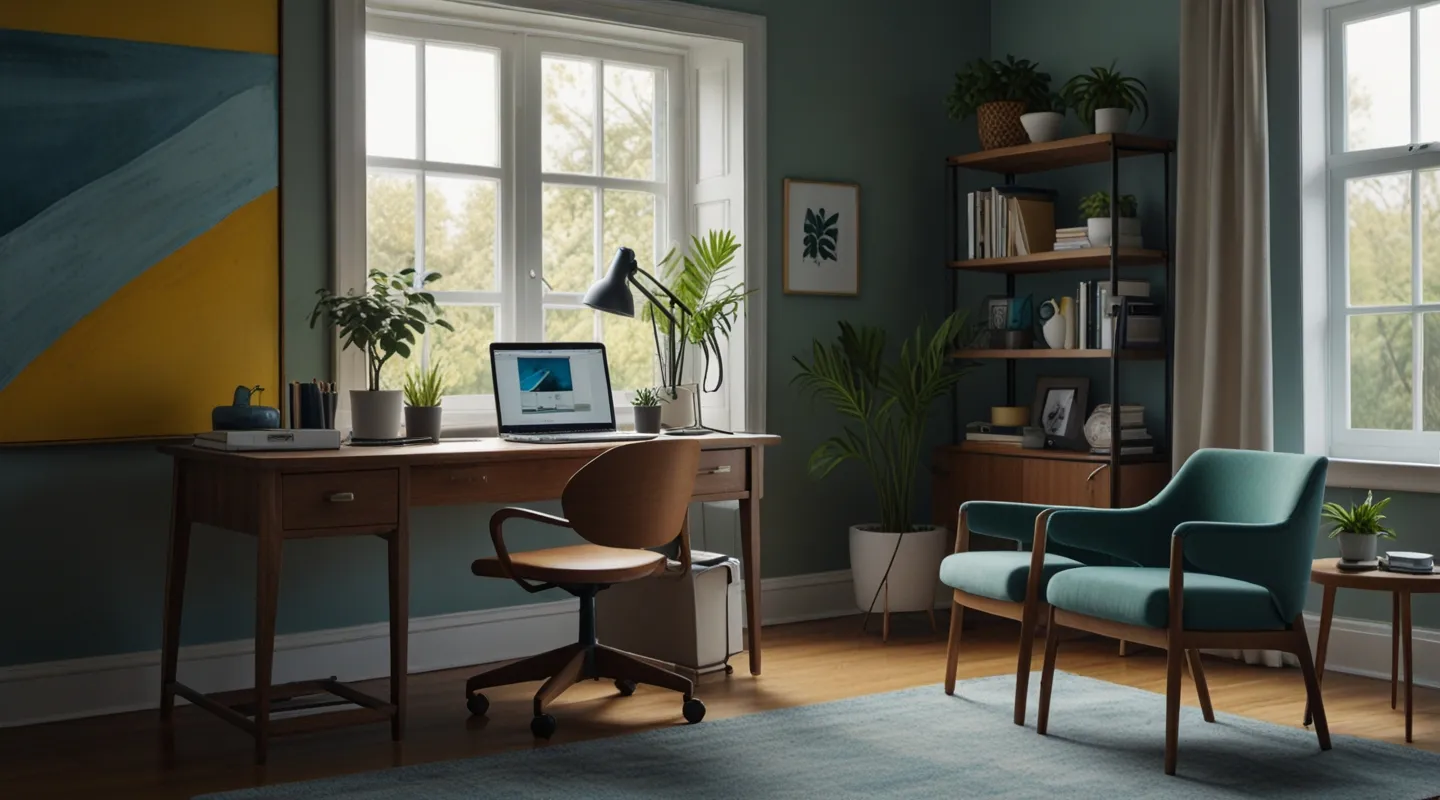
Why Your Home Office Setup Can Make or Break Your Day
Alright, so you’ve decided to finally carve out a spot in your home that’s all about getting things done. Maybe you’re diving headfirst into remote work, or you just want a dedicated space that actually motivates you to focus rather than binge-watch another show on the couch. Whatever the case, setting up your home office isn’t just about slapping a desk and chair somewhere and calling it a day. Trust me, I’ve been there — a bunch of times — and learned the hard way that a poorly thought-out space can zap your energy faster than you can say “coffee break.”
In this beginner’s guide, I’m pulling from years of tinkering, testing tools, and yes, plenty of trial and error. I want to help you set up a home office that doesn’t just look good but actually *works* for you — no fluff, no fancy jargon, just practical, actionable advice you can start using today.
Start with the Basics: Location, Lighting, and Ergonomics
First things first — pick your spot wisely. This might seem obvious, but where you set up shop can make a huge difference. I once tried working in my bedroom corner, thinking it’d be cozy. Nope. The bed was a siren call, and distractions were endless.
So, find a place that’s somewhat separated from your daily chaos. If that means a tiny nook or a quiet corner in the living room, that’s fine. Just avoid places where your brain screams “nap time” or “Netflix binge.”
Lighting is next. Natural light is the unsung hero of productivity. When I started facing my desk toward a window, my mood and focus got an instant upgrade. If natural light isn’t an option, invest in a good desk lamp with adjustable brightness and color temperature — those warm yellow bulbs aren’t doing you any favors come 3 PM.
Ergonomics — you can’t skip this. A chair that supports your back, a desk at the right height, and your screen at eye level make all the difference. I remember the days of slouching over a dining table — hello, neck pain. A simple adjustable chair and a laptop stand can change your whole game.
Declutter Like a Pro: Tools, Cable Management, and Minimalism
Ever sat down only to realize your desk looks like a tech graveyard? Chargers, random sticky notes, tangled cables — it’s a productivity killer. I learned the hard way that clutter equals distraction. Even when you think you work better in a messy environment, your brain’s secretly screaming for order.
Start by clearing everything off your desk. Then, keep only the essentials: your computer, a notebook, a pen, and maybe one or two personal items that make you smile. For cables, try using cable clips or a simple cable box to tuck them out of sight. Trust me, the less visual noise, the better your focus.
Minimalism doesn’t mean sterile or boring — it means intentional. A plant here, a piece of art there, maybe your favorite coffee mug within reach. These little touches make your space feel welcoming, not like a cubicle prison.
Tech Setup: What You Really Need (and What You Don’t)
Let’s talk gadgets. You don’t need every shiny new toy on the market, but some tools can seriously boost your workflow.
Start with a reliable laptop or desktop. No surprises there. But beyond that, think about a good pair of headphones — noise-canceling if you can swing it — especially if your household is anything like mine. It’s amazing how just blocking out ambient noise lets you sink into your work faster.
Consider a second monitor if your work involves juggling multiple windows. It’s a game-changer for multitasking. Honestly, once you try it, going back to a single screen feels like trying to write with one hand tied behind your back.
And don’t overlook your internet connection. A slow or spotty Wi-Fi setup is like having a bike with a flat tire — you can still ride, but it’s painful and slow. If possible, use an Ethernet cable or invest in a mesh Wi-Fi system for better coverage.
Personalize Your Space Without Going Overboard
Here’s where a lot of guides get it wrong. They tell you to keep things sterile and distraction-free, which is mostly true, but a little personality goes a long way. I once decked out my corner with quirky prints and a tiny lava lamp — yes, a lava lamp — and it actually helped me feel more at ease. Weird, I know.
Just keep it to a few items that make you smile or inspire creativity. A vision board, a photo of a favorite place, or even a fun desk toy can lighten the mood when work gets intense. But remember: don’t let your desk become a shrine to distraction.
Set Boundaries and Rituals to Boost Productivity
Okay, you’ve got the perfect setup, but what about actually using it well? This is where boundaries and rituals come in. Home offices come with a unique challenge — your work and personal lives can blur into one messy ball of “I’ll just check this real quick.”
Set clear working hours, if you can, and stick to them. I get it, life happens, but having a routine signals to your brain when it’s time to focus and when it’s time to relax.
Try a simple ritual to start your day — maybe brewing a fresh cup of coffee, lighting a candle, or doing a quick stretch. These small acts can cue your brain to switch into work mode.
Bonus Tips From the Trenches
- Invest in a whiteboard or sticky notes for quick brainstorming or to-do lists. There’s something satisfying about crossing off physical tasks.
- Keep a water bottle nearby. Hydration is low-key productivity fuel.
- Take breaks seriously. I’m talking about the Pomodoro Technique or just stepping outside for a few minutes. Your brain needs fresh air.
- Test different tools and apps, but don’t get stuck in “tool paralysis.” Pick one or two that fit your style and roll with them.
FAQ
What’s the ideal desk height for a home office?
Most desks are around 28-30 inches (71-76 cm) high. The key is to have your forearms roughly parallel to the floor when typing, and your elbows at about a 90-degree angle. Adjustable desks or keyboard trays help if your setup isn’t quite right.
How can I reduce distractions while working from home?
Besides a tidy workspace and noise-canceling headphones, set clear boundaries with family or roommates, use apps like Focus@Will or white noise generators, and designate “work hours” to help keep distractions at bay.
Do I need a standing desk?
Not necessarily. Standing desks can reduce sitting fatigue, but they’re not for everyone. If you go this route, alternate between sitting and standing to avoid strain.
How to Set Up Your Home Office for Productivity: Step-by-Step
- Choose your space: Find a quiet, well-lit corner or room with minimal distractions.
- Optimize lighting: Position your desk near natural light or add adjustable lamps.
- Select ergonomic furniture: Use a supportive chair, desk at proper height, and consider a laptop stand.
- Declutter: Clear your desk and organize cables with clips or boxes.
- Equip your tech: Set up reliable computer gear, headphones, and consider a second monitor.
- Personalize: Add a few inspiring items without clutter.
- Establish rituals: Create a daily routine to signal work time.
- Set boundaries: Define clear work hours and communicate them with others.
So, that’s the gist of it. Setting up your home office is more than just furniture — it’s about crafting an environment that supports your best work, your focus, and yeah, your sanity. If you’re starting from scratch or tweaking an existing spot, these steps will get you closer to a space that feels less like a chore and more like your productivity playground.
Give it a shot, tweak as you go, and don’t forget — the best setup is the one that fits your rhythm, quirks, and work style. So… what’s your next move?






