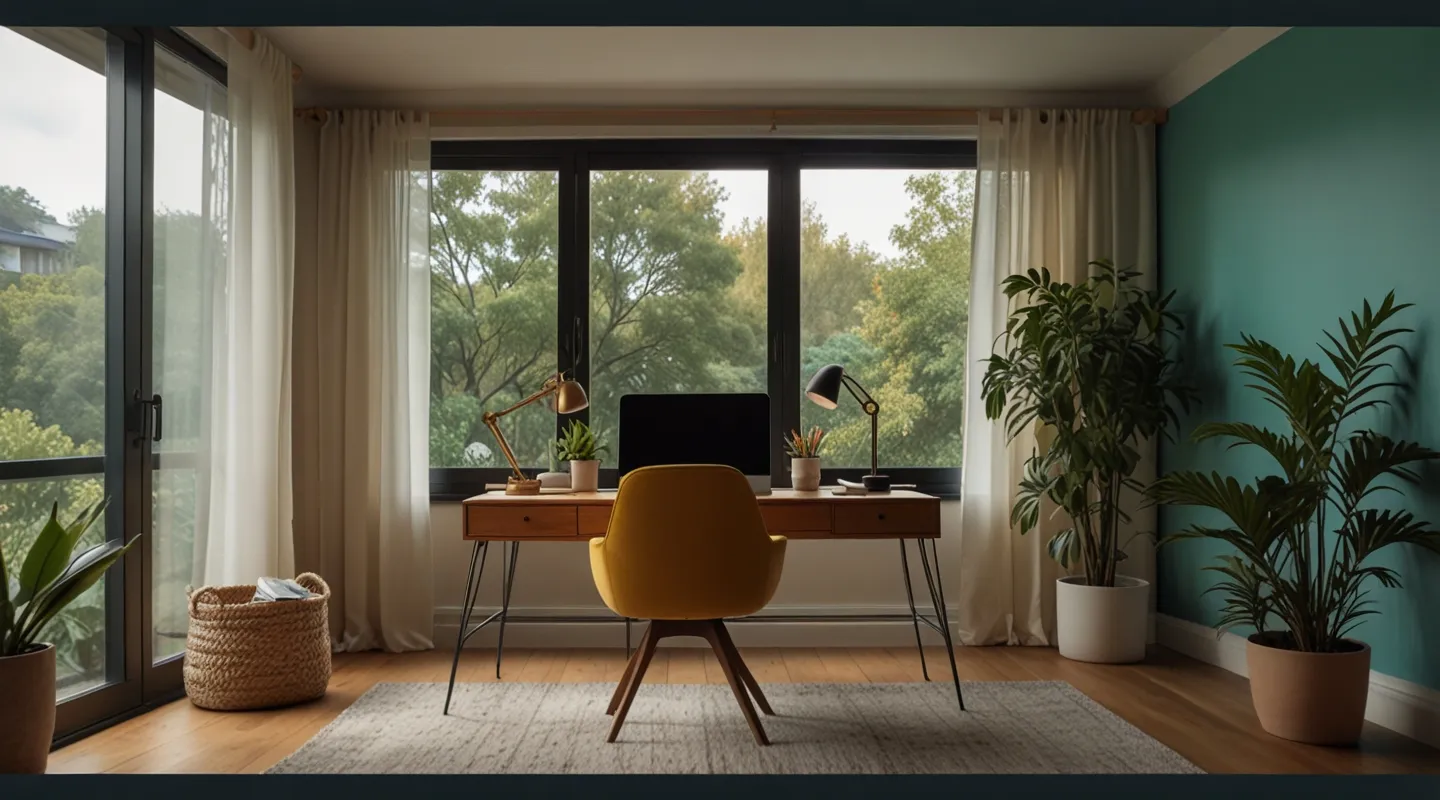
Why Setting Up a Home Office Isn’t Just About a Desk and Chair
So, you’re diving into remote work, huh? First off, welcome to the club! Working from home sounds like a dream—no commute, lounging in sweatpants, endless coffee breaks. But here’s the kicker: without a proper setup, your productivity and sanity might take a hit faster than you think.
When I first shifted to remote work, I thought slapping my laptop on the kitchen table would do. Spoiler: it didn’t. Neck pain, distractions from the cat, and an endless stream of “just-one-more-email” nights quickly followed. Setting up a dedicated home office changed the game. It’s not just about looking professional—it’s about creating a place where your brain knows it’s time to work.
Let’s break down what you really need to build a home office that works for you, without the fluff or expensive gadgets you’ll never use.
Pick Your Spot: Location, Location, Location
This one might seem obvious, but it’s the foundation of everything. A good home office starts with a good spot. Ideally, somewhere quiet with minimal foot traffic. Think of it like planting a flag that says, “Here’s where work happens.”
I know, not everyone has a spare room to dedicate. I didn’t. My first office was a tiny corner in the living room, wedged between the bookshelf and a lamp. It wasn’t perfect, but I made it work with some smart tweaks.
Pro tip: If you’re stuck with a multi-purpose space, try using a room divider, a folding screen, or even a bulky plant to visually separate work from life. It’s a little psychological hack that helps your brain shift gears.
Furniture: Comfort Meets Function
Alright, here’s where it can get tricky. You want comfort, yes, but you also need something that supports you physically. Your chair and desk are your frontline soldiers against aches and fatigue.
Look for an ergonomic chair that supports your lumbar region. I’ve been through cheap chairs that felt like sitting on a rock. Don’t make that mistake—your back will thank you. If splurging on an ergonomic chair isn’t in the cards, a good cushion or lumbar pillow can help.
Desk height matters too. When you sit, your elbows should roughly be at 90 degrees when typing. If your desk is too high or low, your posture suffers.
And if you’re like me, you’ll appreciate some desk real estate. Enough room to spread out notebooks, a mouse, maybe a second screen if you’re fancy. Speaking of screens…
Tech Essentials: The Tools That Keep You Rolling
Remote work is tech-heavy by nature. Your setup should include reliable devices and accessories that minimize headaches.
- Laptop or Desktop: Pick what suits your work style. For me, a lightweight laptop with a decent processor was key since I sometimes worked from different spots.
- Monitor: This was a revelation. Adding a second screen boosted my productivity overnight. If a second monitor isn’t feasible, even a portable USB-powered monitor can do wonders.
- Keyboard & Mouse: Wireless options free up desk space and keep cables in check.
- Headphones or Speakers: Noise-canceling headphones can be a lifesaver, especially if your home is anything like mine—noises everywhere. But good speakers work too for those music breaks.
- Stable Internet: Seriously, nothing kills momentum like a spotty connection. If Wi-Fi is weak, consider a mesh network or a wired Ethernet connection.
One note: Cable management might sound boring, but it’s a small thing that makes a huge difference. Ever tangled in cables and just wanted to scream? I have. Get some cable clips or a sleeve—it’s worth the tiny investment.
Lighting: More Than Just Brightness
Natural light is a game changer. When I set up near a window, even gloomy days felt more bearable. It’s not just about comfort, either—proper lighting reduces eye strain and keeps you alert.
If natural light is scarce, invest in a good desk lamp with adjustable brightness and color temperature. I like something that mimics daylight in the morning and switches to warmer tones later, kinda like a mini sun for my desk.
Personal Touches That Matter
Now, don’t underestimate the power of a little personality in your space. Plants, photos, quirky mugs—whatever makes you smile. When I added a small succulent and a favorite photo, my workspace felt less sterile and more… mine.
But heads up: keep clutter in check. A messy desk is a productivity killer. I’m guilty of piling up papers, but I learned that a quick end-of-day tidy-up saves me from morning chaos.
Creating Boundaries: Work-Life Balance Starts Here
Here’s a truth bomb: remote work blurs lines like crazy. Without a commute or office door to close, it’s easy to let work spill into every hour.
Setting up a dedicated office space helps signal to yourself (and others) when you’re on the clock. When my workday ends, I physically step away from my desk—even if it’s just moving to the couch. That simple act helps me mentally clock out.
Also, consider setting visible office hours. Tell your household when you’re deep in work mode. It’s not about being rigid, but about protecting your focus.
Bonus Tips From the Trenches
- Invest in a good chair mat if your floor is carpeted. It keeps your chair rolling smoothly and protects flooring.
- Noise White Noise: Sometimes absolute silence is distracting. I use apps like myNoise to create a subtle background hum that drowns out distractions.
- Breaks Matter: Set alarms or use the Pomodoro technique. Seriously, getting up and moving for a few minutes saved me from that afternoon slump.
- Backup Power: If your area is prone to outages, a UPS (uninterruptible power supply) can save your work and sanity.
Wrapping It Up: Your Space, Your Rules
Setting up a home office is a deeply personal journey. What works for me might need tweaking for you. The key is starting with the essentials—a dedicated spot, comfy furniture, reliable tech—and then layering in the details that make the space yours.
Remember, this is about creating an environment that supports your best work and keeps your sanity intact. No fancy bells and whistles required.
So… what’s your next move? Got a corner in your place begging for a desk? Or maybe you’re finally ready to toss that old chair? Give it a shot, tweak as you go, and watch how your work-from-home game levels up.
And hey, if you’ve got tips or horror stories from your own home office adventures, I’m all ears.






